Short answer: The best time to send a Google review request is within 24 hours of a completed job or visit, on a weekday morning between about 9 am and 12 pm in the customer's local time zone. That single change — sending the same message but at the right moment — tends to move conversion more than any tweak to the wording.
Timing depends on the industry, though. A dentist's ideal window is not a plumber's ideal window. This guide breaks down what to send when, why it matters, and how to think about follow-up reminders without becoming annoying.
Last reviewed: 2026.
Why timing matters more than wording
By the time a customer walks out of your shop, hangs up the phone, or watches you drive away, three things are happening:
- Their memory of the experience is sharpest.
- Their phone is in their hand.
- Their emotional response is at its peak — good or bad.
Wait a week and all three fade. That's the entire mechanism. There's nothing magical about mornings or Tuesdays — those windows just happen to be when most people are willing and able to open a link on their phone.
The general rule: 24 hours after "job complete"
For most local businesses, sending the review request within a day of the job wrapping up is the single biggest lever. That's not "24 hours after invoicing" — it's 24 hours after the customer experienced the service.
For a home service company, that's the moment the tech drives off. For a restaurant, it's when the check is paid. For a clinic, it's shortly after checkout. Your CRM or job software should be able to trigger the send on that event, not on some later admin action.
Best send window by industry
Different industries have different rhythms. These windows are practical defaults based on aggregate SMS delivery and reply behavior — not laws.
Home services (plumbing, HVAC, electrical, cleaning)
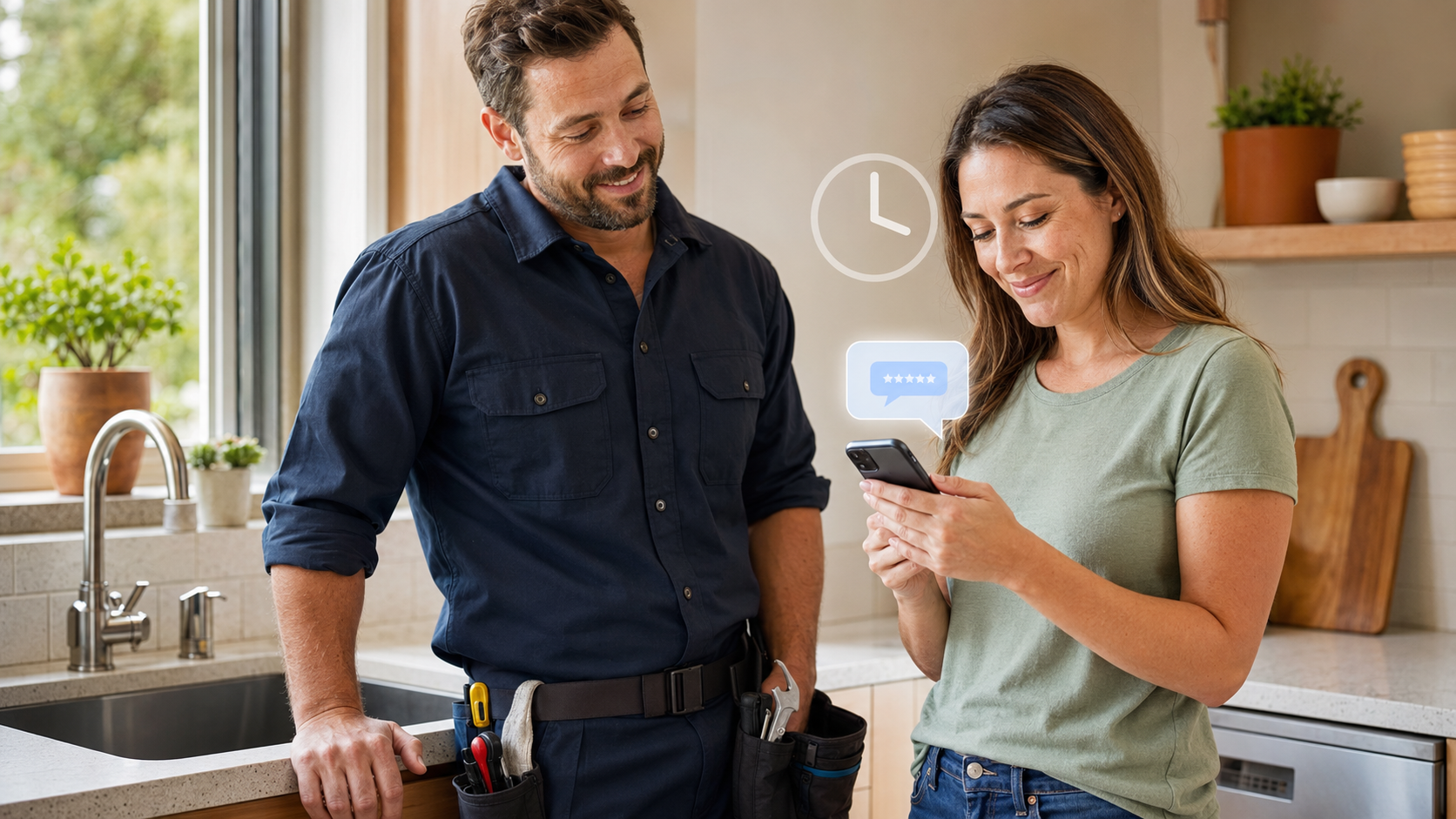
- When: Same day the job is completed, 1–4 hours after the tech leaves.
- Why: Customer is standing in their now-fixed kitchen with the invoice in hand. Peak satisfaction, peak recall.
- Avoid: Sending after 8 pm local time.
Dental, medical, veterinary
- When: Next business morning after the visit.
- Why: Same-day sends can feel rushed; the next morning gives the customer time to leave the parking lot and settle.
- Avoid: Sending on the same day as a procedure that involved anesthesia or discomfort.
Salons, spas, beauty
- When: 2–4 hours after the appointment.
- Why: Client is likely still enjoying the "new haircut" glow and may have already posted a photo.
Auto services
- When: Next morning after the vehicle is picked up.
- Why: Gives the customer a day of driving to notice the fix worked.
Restaurants and hospitality
- When: Same evening or the following morning.
- Why: Waiting more than a day is a killer. Same-day for dinner, next morning for lunch.
Professional services (law, accounting, real estate)
- When: Within 48 hours of the closing event (case resolved, return filed, closing signed).
- Why: Longer engagements need a discrete "the work is done" moment to hang the request on.
Best day of week
Averaged across industries, weekday mornings outperform. If you can only send on one day, Tuesday or Wednesday morning is a safe default. Mondays are cluttered, Fridays get lost in the weekend, and Sunday mornings tend to see the highest opt-out rates.
That said: the "best day" for your business is the day that's closest to the job-completion event. Don't hold a Wednesday send if the job finished on a Thursday.
Best time of day
Aim for 9 am to 12 pm local time. Second best is 1 pm to 4 pm. Avoid before 9 am and after 8 pm — both hurt conversion, and after-hours sending increases the odds of a spam complaint or a filter block.
Note the FCC's calling window is 8 am to 9 pm in the recipient's time zone, which is a hard floor for compliance, not an aspiration.
How to think about follow-up reminders
If a customer doesn't respond to the first ask, one polite reminder converts. A second reminder rarely does — and a third almost never does, while it dramatically increases opt-outs.
A safe cadence:
- T + 0: Initial ask, sent right after the job.
- T + 3 days: Single reminder, phrased differently and shorter.
- Stop.
See SMS review request follow-up for cadence details.
Common mistakes
- Sending everyone at 5 pm on Friday. Convenient for you, terrible for delivery.
- Waiting until end-of-month billing. By then the memory is gone.
- Batch-sending a week's worth of jobs at once. Bulk sends from a fresh number look like spam to carriers.
- Sending during a customer's dinner. Even if it's inside FCC hours, it feels intrusive.
- Sending the same time every week. Vary slightly to look human.
Sample messages by timing window
Same-day (home service)
Hi [First], thanks for having Mike out today. If everything's working, a quick Google review would help our small crew a lot: [link]. Reply STOP to opt out.
Next-morning (medical / dental)
Good morning [First], hope you're doing well after yesterday's visit. If you had a good experience, we'd appreciate an honest Google review: [link]. Reply STOP to opt out.
T + 3 reminder (any industry)
Hi [First], just a quick nudge — if you had a moment to leave us a Google review, it makes a real difference for us: [link]. Totally understand if not. Reply STOP to opt out.
FAQ
What if my customer's job spans days or weeks?
Pick the discrete "we're done" moment (final inspection, last visit, delivery) and send within 24 hours of that.
Should I send in the recipient's local time?
Yes. If you have customers across time zones, your sending tool should support scheduling by recipient time zone.
What about holidays?
Skip US federal holidays and the day before and after Christmas. Response rates crash and opt-out rates spike.
Does this timing advice apply to email too?
Same general logic. Weekday mornings, within a day or two of the job. Email is a little more forgiving of off-hours sends.
How SoTrustworthy helps
SoTrustworthy triggers review requests off the actual "job complete" event from your CRM or Jobber, respects recipient time zones, staggers sends so a busy day doesn't turn into a bulk blast, and stops the follow-up cadence automatically if a customer has already left a review.
Read next:
Ask every customer for a review—without review gating.
SoTrustworthy sends a compliant, perfectly-timed review request to every customer after the job — no filtering, no gating, just more honest 5-star reviews on Google.